SQS Toolbox
SQS Toolkit

Updates

The latest features, improvements, and announcements.

Extension

AI Settings, Plugin Builder & Credit Tracking

A big update packed with new ways to customize Robo-Will and start building your own plugins.

loom

Credit Balance

Click your avatar to see your purchased credits, monthly credits, and when they reset. You can also purchase more right from the dropdown.

Plugin Builder (Beta)

Ask Robo-Will to build custom components and it will structure them exactly like our plugins — HTML, JavaScript, and CSS ready to drop into your site. Great for rapid prototyping.

Also in This Update

  • Version indicator — hover over the extension title to see which version you're running
  • Improved naming for uploaded custom fonts in "brand" view
Website

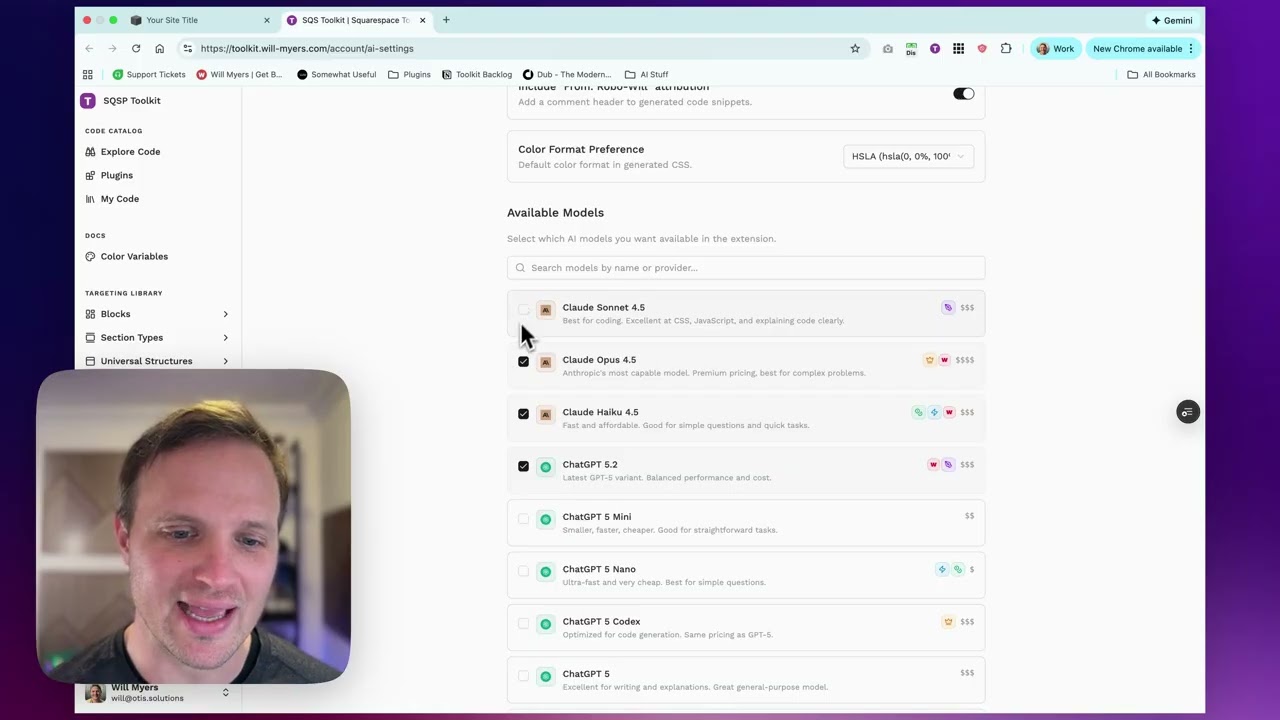
AI Settings

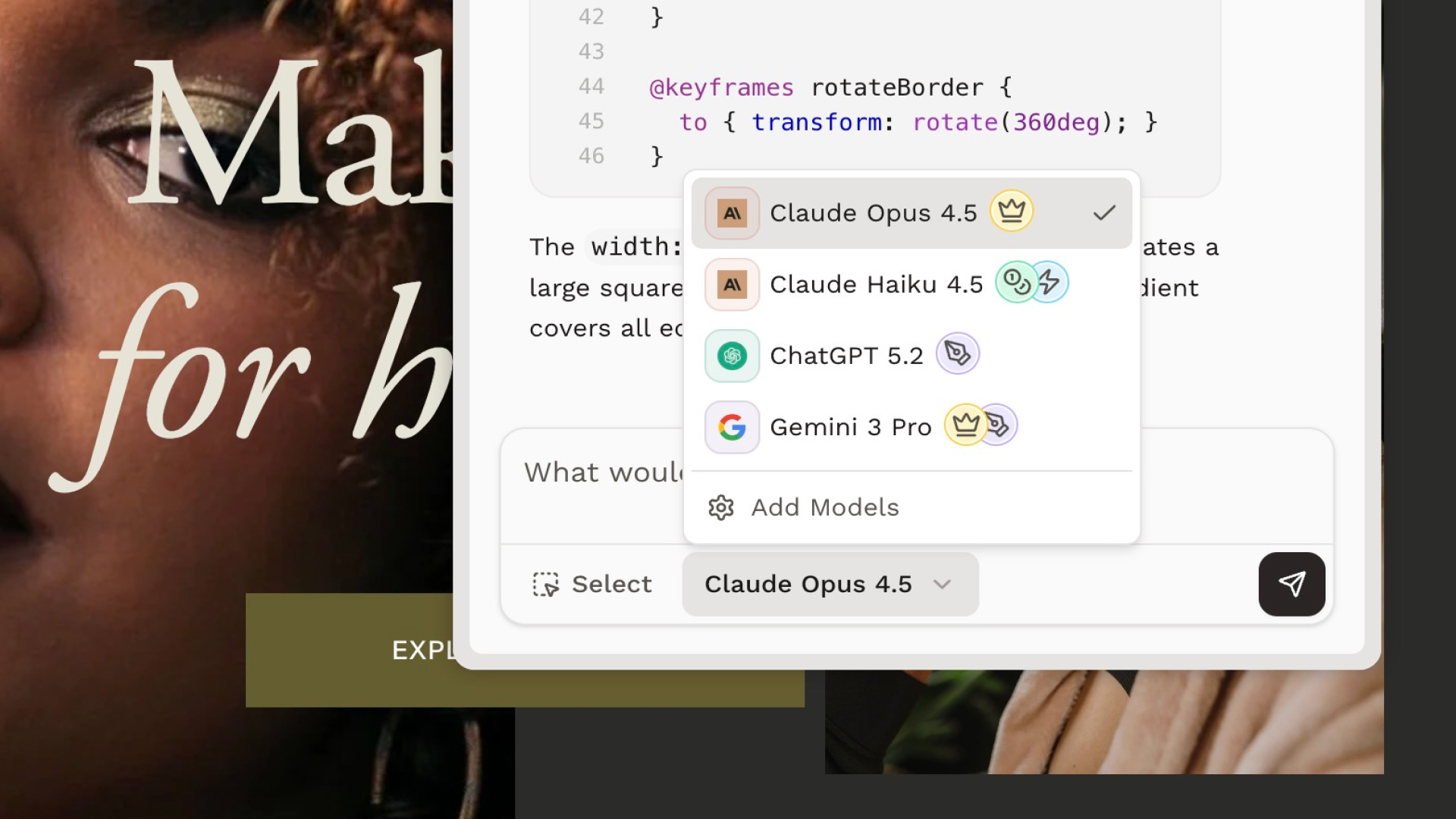
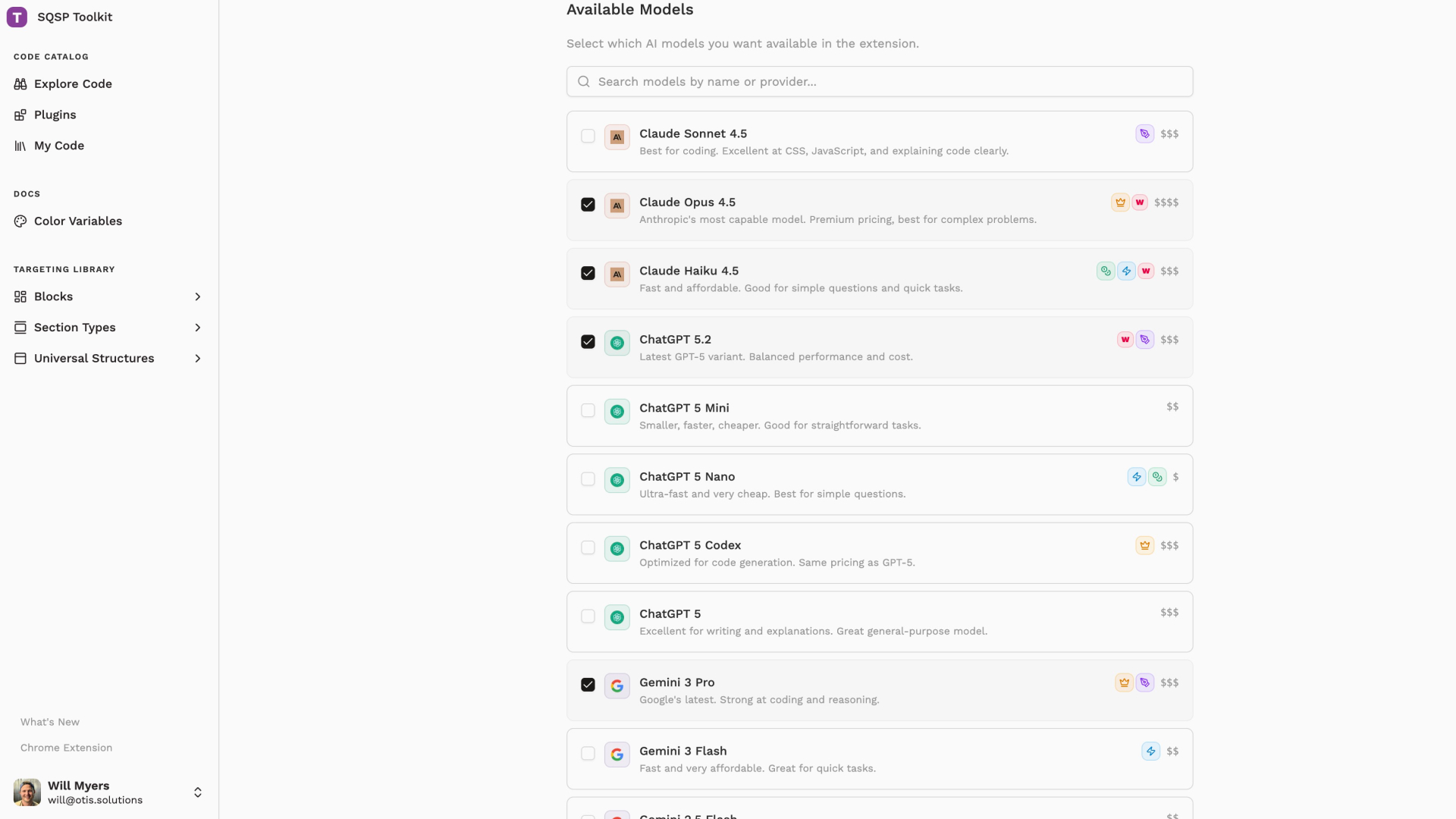
You can now tell Robo-Will how you like your answers.

New AI Settings

Access Settings from the profile menu to customize Robo-Will:

  • Response length — control how concise or detailed answers are (shorter = fewer credits)
  • Code explanation style — from code-only to fully annotated
  • Attribution toggle — turn off the "Generated by Robo-Will" comments
  • Color format — choose between HEX, HSLA, or RGBA

Where to Find It

Head to Account → AI Settings to set your preferences. Once saved, Robo-Will will remember them for every conversation—on the website and in the extension.

Extension

Extension Performance Boost

The extension just got a lot snappier.

What's Faster

  • Switching views — jump between Plugins, My Code, and Explore Code without waiting for reloads
  • Opening the extension — your data loads in the background, so it's ready when you need it
  • Returning to previous screens — go back to a list you already viewed and it's instant
  • Less spinning loaders — the extension remembers what you've already seen

The Bottom Line

The extension now feels more like a native app than a web page. Less waiting, more doing.

Website

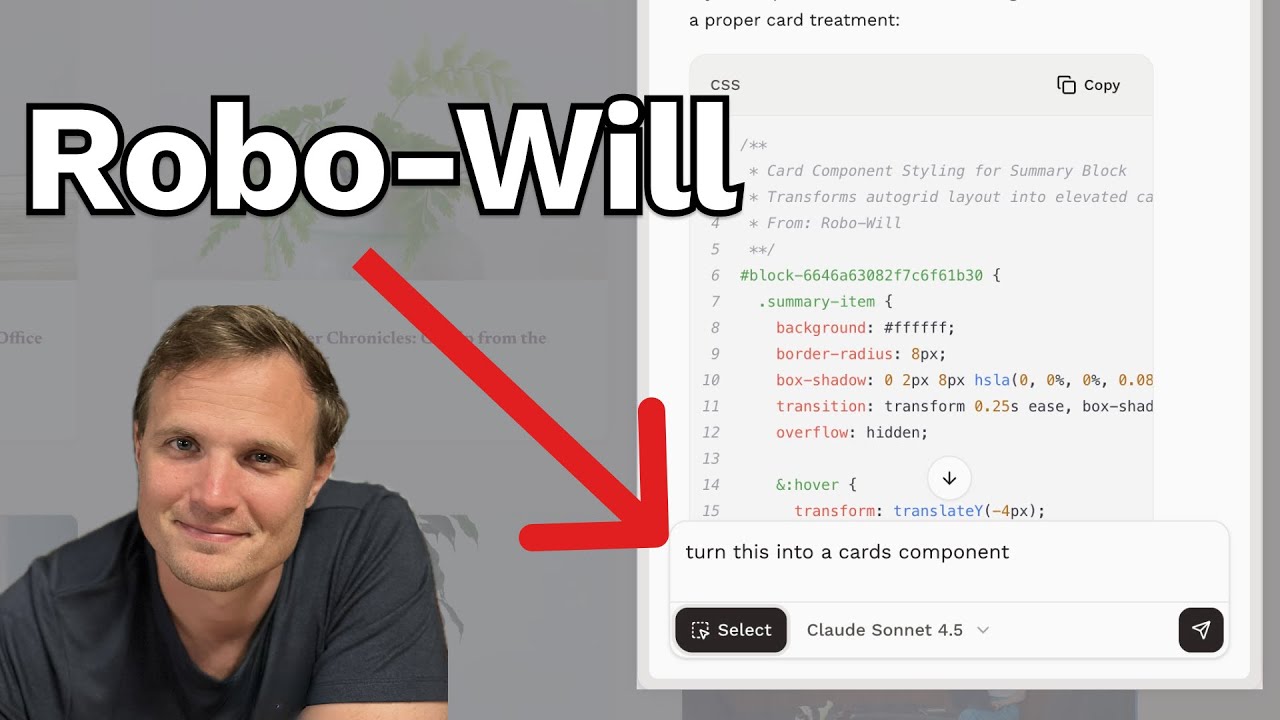
Introducing Robo-Will

Robo-Will is now available in the Toolkit extension.

youtube

What You Can Do

  • Get targeted CSS — use the Select tool to click on any element, then describe what you want changed
  • Troubleshoot problems — ask why something isn't working and get an explanation plus a fix
  • Generate code snippets — request scripts for animations, interactions, or site-wide effects
  • Get content feedback — ask for critiques on your headlines, copy, or page layout

How It Works

Open the Toolkit extension while viewing your Squarespace site. Click the Robo-Will tab. Optionally use the Select tool to click on an element for context. Describe what you need. Copy the code Robo-Will gives you into your CSS Editor or Code Injection.

You're Always in Control

Robo-Will never modifies your site automatically. You review the code, decide what to use, and paste it yourself. No surprises.

Getting Started

You'll need the Chrome extension and a Code Curious membership.

Website

Comments on Code Catalog

Added a commenting system to the Code Catalog. Leave feedback, ask questions, or share tips on any public code snippet. Comment notifications keep you in the loop when someone responds.

Extension

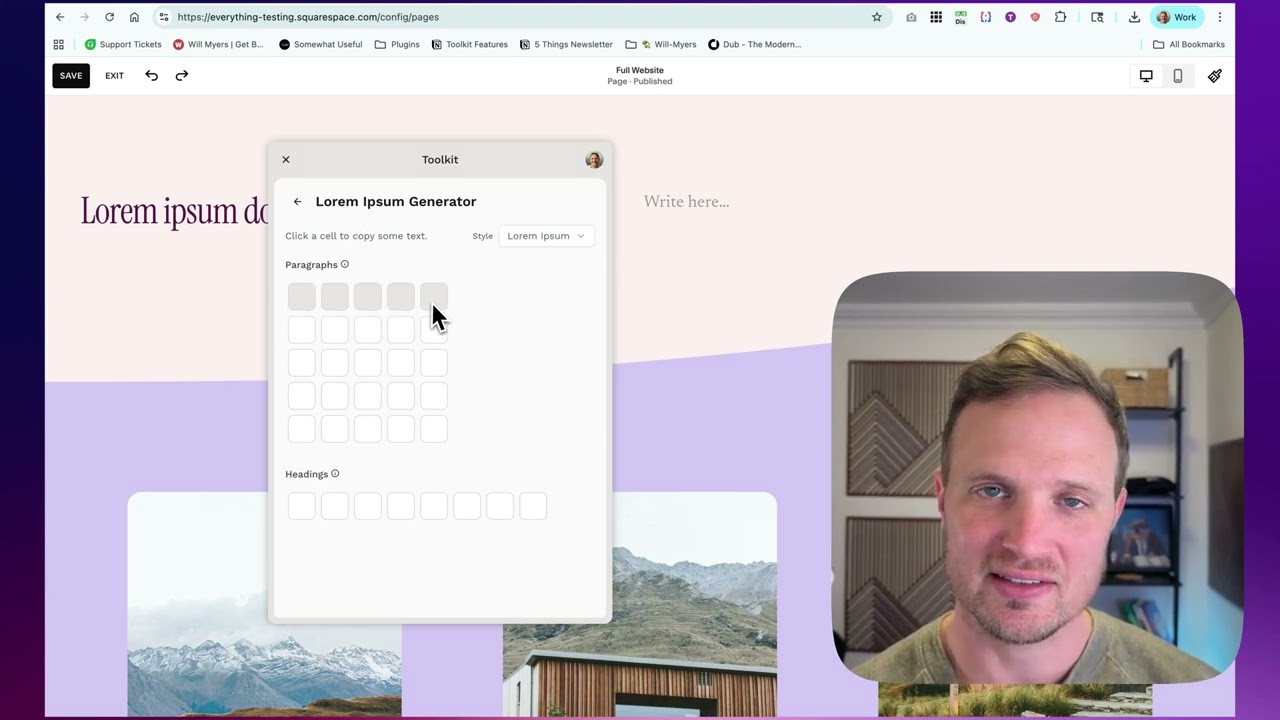
Lorem Ipsum Generator in Extension

Added a Lorem Ipsum generator to the extension. Quickly generate placeholder text in different lengths and formats when building out page layouts.

youtube
Extension

Branding Tools in Extension

New Branding section in the extension. See your site's primary and expanded color palettes, browse all available color variables, and view font settings. Everything you need to match your site's branding in custom code.

Website

Plugins Section

Introducing the new Plugins section. Browse a curated library of pre-built customizations and install them on your Squarespace site with clear instructions and preview support.

Extension

Plugins & My Code in Extension

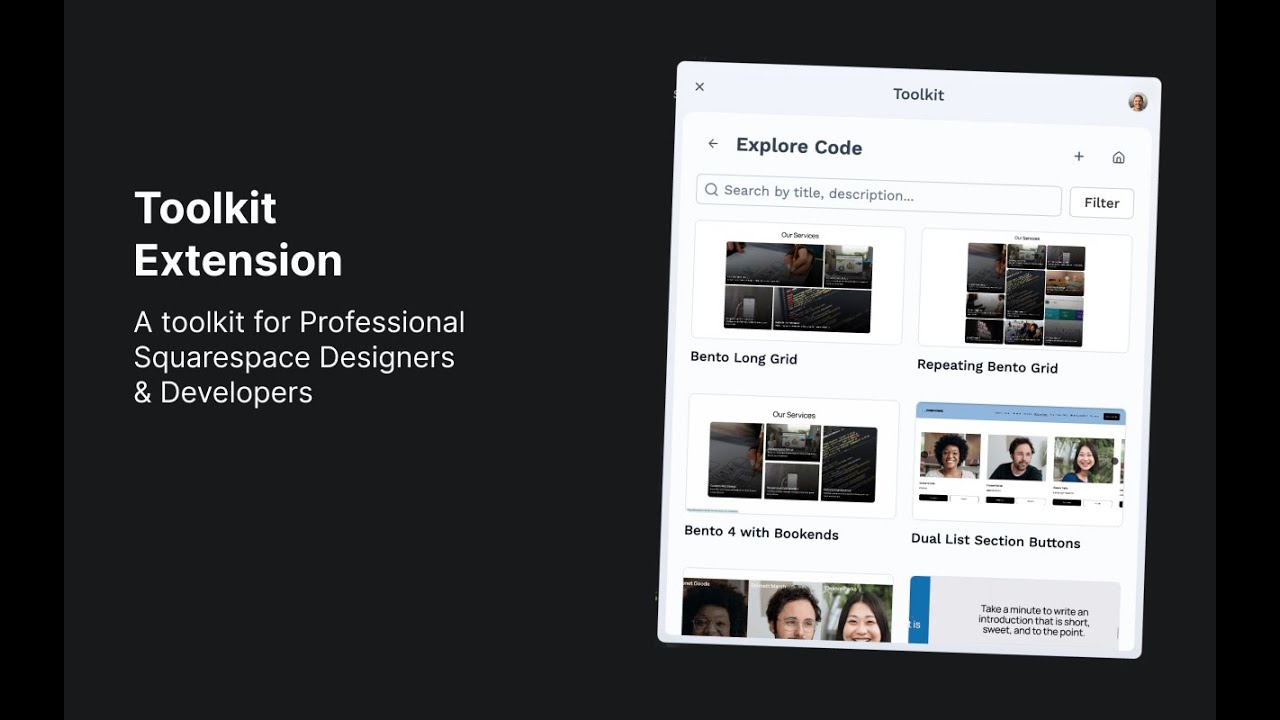
The extension now includes full access to Plugins. Browse the plugin library, view installation instructions, and access your saved code snippets right in the extension.

Extension

Extension Rebuilt from Scratch

The Squarespace Toolkit browser extension received a complete rebuild. The new architecture provides better performance, cleaner code organization, and sets the foundation for upcoming features.

Website

Extension Authentication Improvements

Significant improvements to how the browser extension handles authentication. The new system provides smoother login experiences and more reliable session management.

youtube
Website

Code Catalog Overhaul

The Code Catalog received a significant update with a focus on usability. The new design makes it easier to find, organize, and manage your saved code snippets across all your Squarespace projects.

Website

Color Variables Documentation

Added comprehensive documentation on Squarespace's color variable system. This guide helps you understand how to leverage the built-in color palette in your custom CSS for consistent theming across your site.